The WauSearch search engine has been developed with a dual mission: to serve any type of specialized or regular user in the search and retrieval of information from the Web, as well as to provide an experimental platform for the development of improved search engines, the implementation of new assistance and interaction systems for searches, or the creation of new utilities and applications for information management.

http://www.wausearch.com
Main Features
- Result ranking system. WauSearch has its own result ranking system, developed to position each webpage based on its similarity coefficient, incoming links, publication frequency, traffic, size, and attached content or enriched documents.
- More results per search. WauSearch retrieves 25% more results than other search engines. This allows users to obtain complementary information that is not easily found on the first pages of results.
- Search refinements. Refinement options are integrated directly into the results page to enhance relevance and precision. Users can combine query operators to search within web page titles, main text content, URLs; limit searches to a specific domain or website; specify result formats; retrieve web pages containing links or hyperlinks with a particular keyword; find related pages; or locate results based on term proximity.
- Predefined searches. WauSearch introduces the concept of predefined searches, offering expert-designed queries that allow users to simply enter their search terms. For instance, precise searches across media outlets to find all news on a specific topic, searches for individuals and institutions on major social networks, targeted searches within leading media and scientific publications, as well as specialized searches for RSS feeds.
- Public Administration searches. WauSearch features a highly relevant predefined search: an automated query system designed to locate information related to public administration in a specific country. A total of 180 preconfigured queries have been created to search electronic government portals across 180 countries worldwide. This service facilitates access to public information and promotes greater transparency for citizens.
- Export functionality of results. With WauSearch, users can export the results of queries performed during their session. Unlike other search engines, WauSearch allows exporting information in CSV, HTML, and plain text formats, facilitating documentation tasks and activities.
- Simple design. The design of WauSearch features a sober and straightforward interface to avoid distracting users from their primary goal: finding what they are looking for.
- Experimental and research platform. WauSearch, far from being a finished search engine, serves as a platform for researching user interaction and improving search and retrieval assistance systems.
WauSearch Community Forum
WauSearch Videos
WauSearch – Introduction Part 1
What does WauSearch mean?
Screenshots

Figure 1. WauSearch homepage.
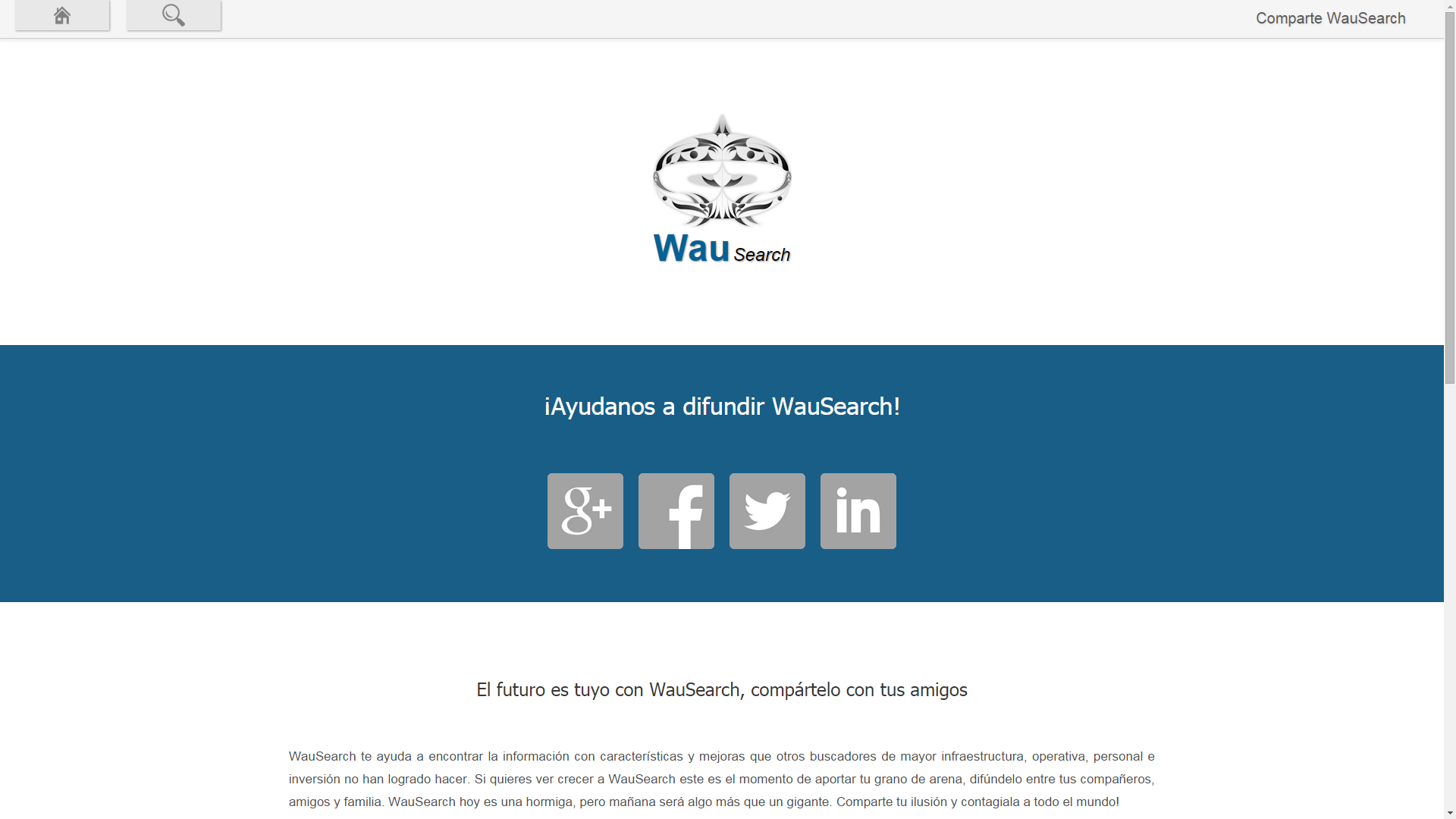
Figure 2. Share WauSearch via social networks and email.

Figure 3. Information about the WauSearch project.

Figure 4. Page on relevant aspects of WauSearch.

Figure 5. Basic search with the term “documentalist”.
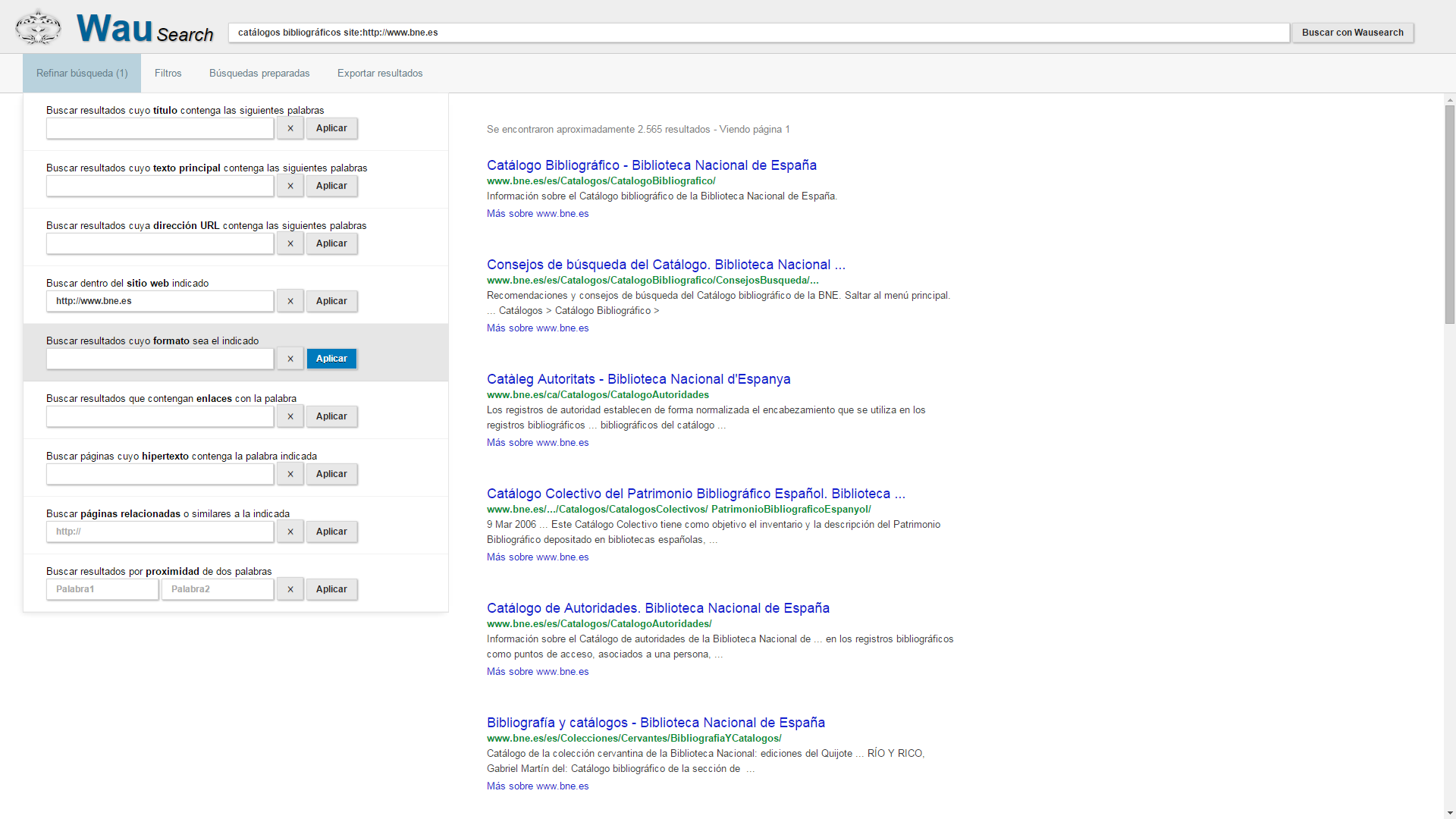
Figure 6. Search for “bibliographic catalogs” restricted to the National Library of Spain website address “http://www.bne.es” using the refinement system.

Figure 7. Similar to the query in Figure 6, with the addition of the temporal filter for results published during the last month. Note that multiple filters and refinements can be concatenated.
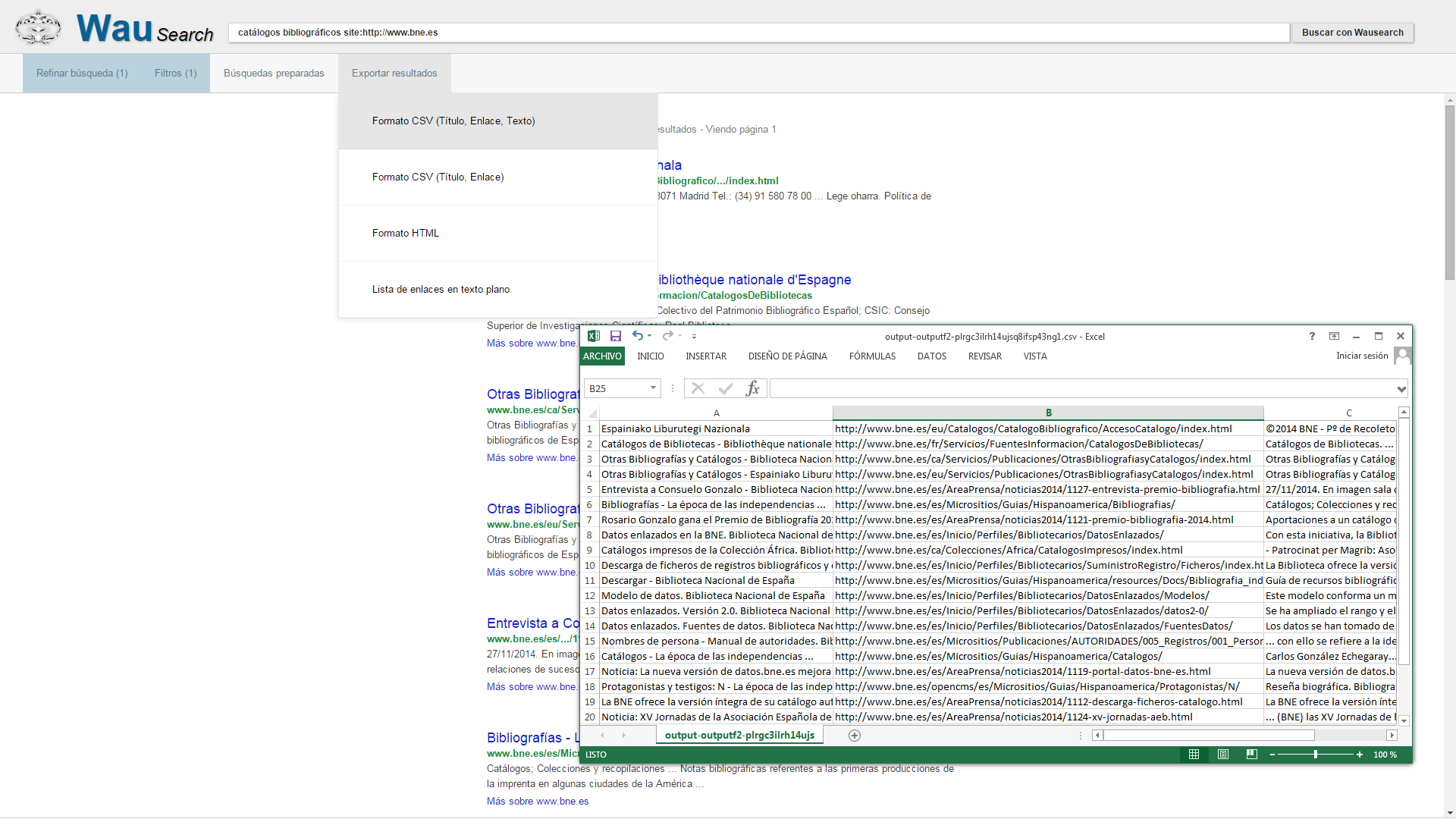
Figure 8. Exporting the results of the query shown in Figure 7 in CSV format (title, link, and text).

Figure 9. Query from Figure 7 with the addition of the "pdf" format filter for results. The number of results is reduced from 67 to 4 documents.
Media References
- WauSearch, the latest Internet browser. Loughborough University Research Blog. Available at: WauSearch, the latest Internet browser
- WauSearch, a new search engine. TwoTwelve.com: Cultural Communication. Available at: http://www.comunicacion-cultural.com/2014/12/17/wausearch-un-nuevo-buscador/
- WauSearch. Bitácoras.com. Available at: http://bitacoras.com/anotaciones/wausearch-un-nuevo-buscador/39040586
- WauSearch Search Engine: An Experimental and Research Platform for Improving Search Engines. Bibliored 3.0. Available at: http://biredauvi.blogspot.com.es/2014/12/buscador-wausearch-plataforma.html